
- Home
- Technical College
- MOTOR DRIVES
- Modbus No Response Troubleshooting: Why No Data Is Received in Serial Tools
Modbus No Response Troubleshooting: Why No Data Is Received in Serial Tools
During Modbus communication debugging, the master successfully sends request frames, but no response data is observed in the serial port monitoring tool. Based on this symptom, the communication configuration and interaction process should be systematically checked and analyzed.
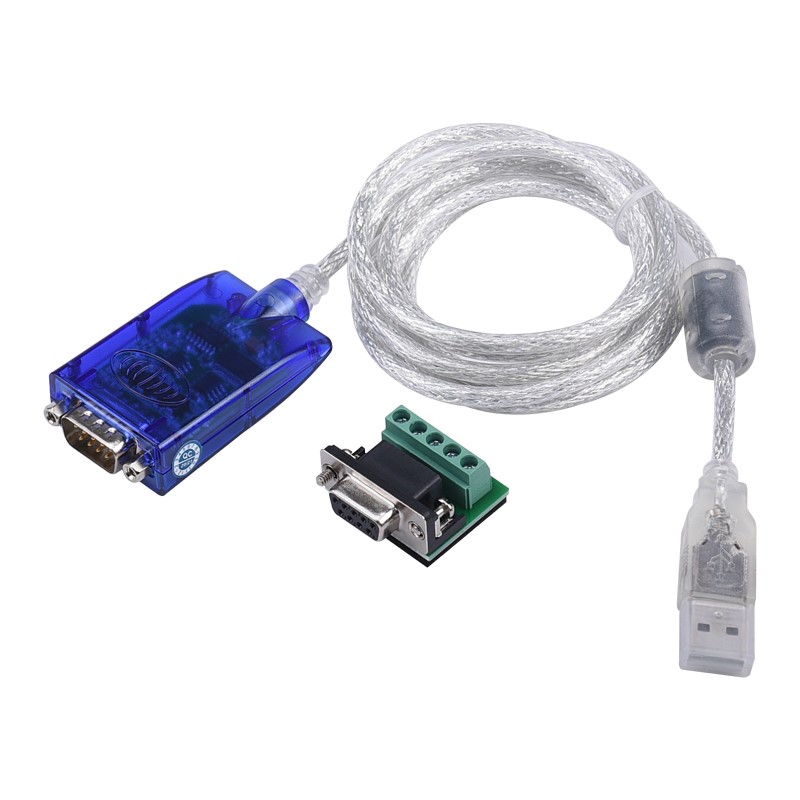
Step 1: Check Whether the Request Frame Is Correct
This is the most common source of issues. If the request frame is incorrectly formatted, the slave device may fail to recognize it or simply not respond.
1. Verify the slave address: Check whether the first byte of the frame matches the address of the target device (range: 1–247). Note that address 0 is the broadcast address, and slaves do not return responses to broadcast requests.
2. Verify the function code: Ensure that the function code is supported by the slave device. For example, 0x03 is used to read holding registers, and 0x06 is used to write a single register.
3. Check the data field: Register address: Be aware of the difference between the protocol address and the PLC display address (e.g., 40001). Many devices use zero-based addressing in the protocol. This means that to read register 40001, the address field in the frame should be 00 00. Data length/value: Confirm that the quantity of data to be read or the value to be written complies with the device's protocol specifications.
4. Check the Checksum: An incorrect checksum will cause the slave device to discard the frame without responding. RTU mode: Uses a CRC-16 checksum (2 bytes), with the low byte first and the high byte last. For example, if the CRC calculation result is 0x1234, the frame should contain 34 12. ASCII mode: Uses an LRC (Longitudinal Redundancy Check) checksum.
5. Check the Frame Format: RTU mode: There are no fixed frame headers or trailers. Frames are separated by a silent interval on the bus of at least 3.5 character times. ASCII mode: Frames must begin with a colon (:) (0x3A) and end with a carriage return and line feed (CRLF, 0x0D 0x0A).
Example: CRC Calculation in RTU Mode. Reading 1 holding register from slave address 01, starting at address 0000.
• Request frame (without CRC): 01 03 00 00 00 01
• CRC calculation result: The CRC-16 value calculated for these 6 bytes is 84 0A.
• Final request frame: 01 03 00 00 00 01 84 0A (Note: The CRC low byte 0A is transmitted first, followed by the high byte 84.)
Step 2: Check Communication Parameters
If the request frame has been verified as correct, the next step is to ensure that the communication parameters between the master (e.g., a computer or serial port debugging tool) and the slave device are fully aligned. Modbus communication is highly sensitive to parameter mismatches—any inconsistency can prevent communication from being established, resulting in no response.
First, verify that the baud rate settings are consistent. Common values include 9600, 19200, 38400, and 115200. If the baud rates of the master and slave devices do not match, the data cannot be correctly interpreted.
Next, check the data bits configuration. Modbus communication typically uses 8 data bits, which is the standard setting. Any inconsistency may also lead to communication errors.
The stop bits setting must also match. Common configurations are 1 or 2 stop bits. Since different devices may have different default settings, ensure they are configured according to the actual settings of the slave device.
Finally, verify the parity setting, including None, Even, and Odd. A mismatch in parity on either side will cause frame validation to fail, preventing proper communication.
In practice, these parameters are fundamental but often overlooked during debugging. It is recommended to verify each setting against the device manual.
Step 3: Check Hardware Connections and Electrical Environment
If both the request frame and communication parameters have been verified as correct, but the device still does not respond, the issue is likely at the physical layer and should be investigated accordingly.
First, verify that the wiring is correct. For RS-485 communication interfaces, connections must not be made arbitrarily. It is essential to confirm that the definitions of the A/B terminals on each device are consistent. In general, ensure proper polarity matching (i.e., + to + and − to −, depending on the device labeling). Also check the communication cable for issues such as open circuits, loose connections, or poor contact, all of which can prevent proper data transmission.
Next, check the termination resistor configuration. In long-distance or high-speed communication scenarios, 120 Ω termination resistors are typically installed at both ends of the RS-485 bus to suppress signal reflections and improve communication stability. If intermittent communication issues or a complete lack of response occur, this should be a key area to verify for compliance with recommended practices.
Finally, consider the impact of the electrical environment. Communication lines should be routed as far away as possible from power cables, variable frequency drives (VFDs), and other sources of electrical noise. This helps prevent electromagnetic interference (EMI), which can cause signal distortion or bit errors, leading to communication failures or no response from the slave device.
Step 4: Use Debugging Tools for Diagnosis
After completing the basic checks on the request frame, communication parameters, and hardware, if the issue still cannot be identified, specialized debugging tools can be used to assist further analysis and improve troubleshooting efficiency.
From a software perspective, in addition to standard serial port monitoring tools, professional tools such as Modbus Poll (master simulator) and Modbus Slave (slave simulator) can be used for verification. These tools not only support sending and receiving frames, but also provide built-in Modbus protocol parsing and can directly display exception codes and error messages. This makes it easier to determine whether communication has been successfully established and to identify where the issue may be occurring.
At the hardware level, if the issue is suspected to be related to physical signals or electromagnetic interference, a logic analyzer or oscilloscope can be used to capture and analyze signals on the RS-485 bus. These instruments allow direct observation of signal levels and waveform characteristics, helping to identify issues such as signal distortion, bus contention, or interference. They are essential tools for in-depth troubleshooting.