
Skip to content Skip to navigation menu

Why does the Stepper Motor Exhibit Continuous Jitter When Returning to the Origin?

The stepper motor may exhibit continuous jitter during the homing process, typically caused by mismatches in mechanical design, electrical configuration, or control parameters. Why does the Stepper Motor Exhibit Continuous Jitter When Returning to the Origin?
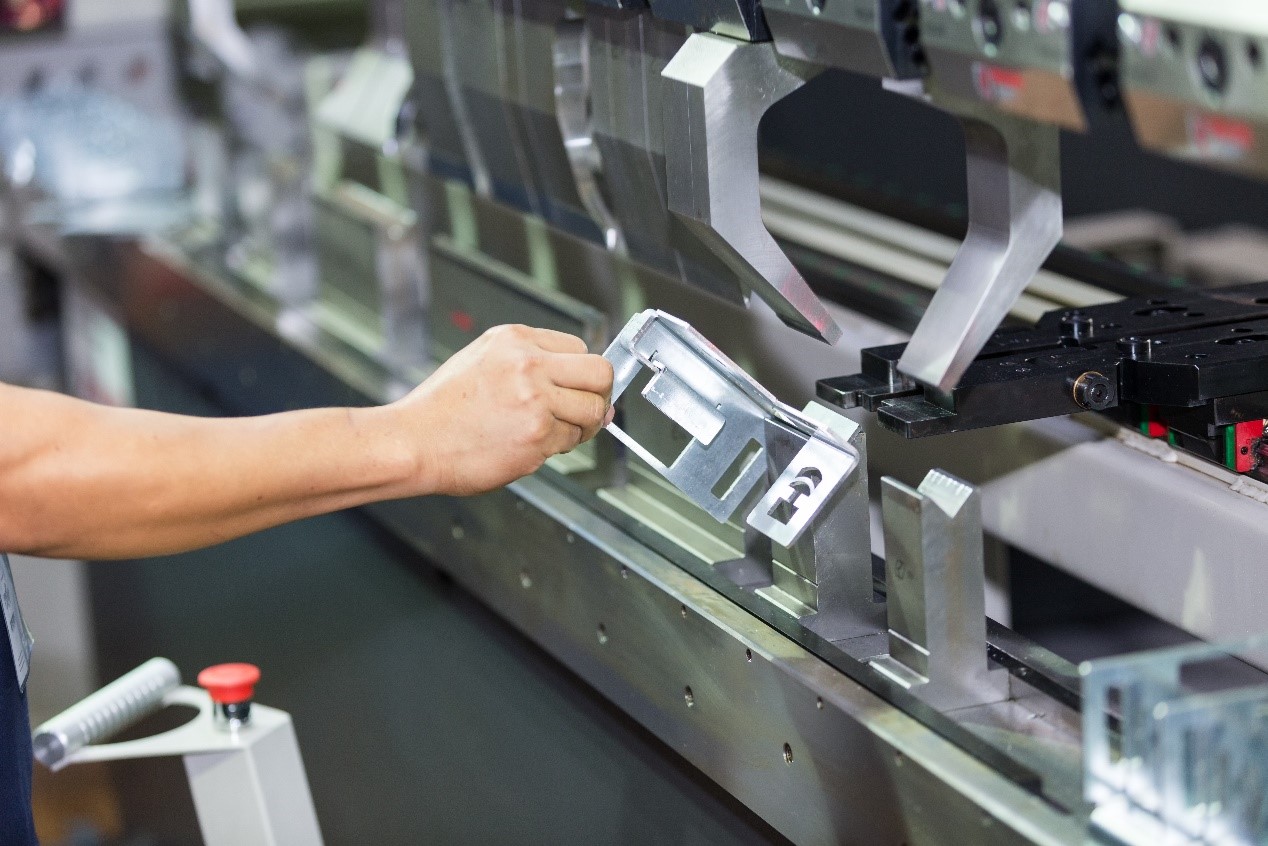
The reason why the stepper motor shakes when returning to the origin.

1. Hardware Issues

1) Incorrect driver current or microstepping configuration: A low current setting may result in insufficient toque, while improper microstepping settings can induce resonance—both leading to continuous jitter during homing. Check: Verify that the driver output current matches the motor rated current (generally 70% to0% of the 9 motor nominal value). Also, ensure the microstepping configuration is appropriate—excessively high microstepping can cause low-frequency vibrations that disrupt smooth homing. Solution: Adjust the driver DIP switches or software parameters to appropriately increase the output current or reduce the microstepping setting. 2) Excessive mechanical resistance or jamming may cause the motor to vibrate at specific positions, often accompanied by abnormal noise. Check: Manually rotate the load to ensure the mechanical structure moves smoothly. Check the guide rails, lead screws, and couplings for deformed or inadequate lubrication. Solution: Clean and lubricate mechanical components, or replace damaged parts as necessary. 3). Abnormal origin sensor signals may cause the motor to repeatedly make fine adjustments, failing to reliably trigger the origin position. Check: Use a multimeter to verify the stability of the sensor's output signal. Confirm whether the sensor is properly aligned and positioned—ensure the photoelectric switch is accurately aimed. Solution: Recalibrate the sensor position, or replace it with a sensor that offers better resistance to interference (such as Hall sensor).

2. Control Issues

1). An overly steep acceleration/deceleration curve may cause the motor to shake when suddenly speeding up or slowing down during the return-to-origin process. Solution: Reduce the acceleration in the control software (for example, from 500 rpm/s to 200 rpm/s); use S-curve acceleration instead of trapezoidal acceleration. 2). If the return-to-origin speed is set too high. The motor may lose steps when approaching the origin at high speed, triggering protection and causing repeated retries. Solution: Return to zero speed in two stages: high-speed search stage (such as 300 rpm) and low-speed precise positioning stage (such as 50 rpm). 3). Misconfigured closed-loop control parameters (in the case of a closed-loop stepper motor) can cause PID tuning oscillations, resulting in periodic vibration. Solution: Reduce PID gain (especially the integral term I); enable the drive auto-tuning function or use the manufacturer's diagnostic software to optimize the control parameters.

3. Electrical Problems

1). Insufficient power capacity may result in a sudden voltage drop under motor load, often accompanied by a driver alarm. Check: Measure the power supply voltage while the motor is operating to ensure it does not fall below the rated level (for example, a 24V system should remain above 21V). Solution: Replace a power supply with one of higher capacity (recommended power ≥ motor rated current × voltage × 1.5). 2). Incorrect wiring or poor electrical contact may cause abnormal heating in a specific phase accompanied by irregular motor vibration. Check: Verify that the motor A+/A-, B+/B- phase sequence matches the driver's configuration. Gently move the cables to check for intermittent disconnections. Solution: Re-crimp the terminals or use shielded twisted pair cables.

4. Advanced troubleshooting methods

1. Use an oscilloscope to examine the current waveform output from the driver. If distortion occurs, the MOSFET (Metal-Oxide-Semiconductor Field-Effect Transistor) may be damaged. 2. Perform a replacement test, swap the motor or drive, and confirm whether the fault is a single component. 3. Mechanical resonance test: gradually reduce the running speed and observe whether the vibration intensifies at a certain frequency (such as around 60Hz). The resonance point can be avoided by adding a vibration damper adjusting the microstepping.

Summary of the troubleshooting process

1. Basic checks: power supply voltage → wiring → sensor signal 2. Parameter adjustment: Current/Subdivision → Acceleration/Deceleration Curve → Return to Zero Speed 3. Mechanical Verification: Manual Load Test → Lubrication/Calibration 4. Hardware replacement: drive/motor crossover test If the above steps still cannot solve the problem, consider whether excessive load inertia (you need to replace a motor with a larger torque) or the control signal is affected by interference (add a magnetic ring filter).

Recommended Articles:

Stepper Motor Driver Communication Error Troubleshooting Guide How to Reduce the Noise & Resonances of Stepper Motors? Causes of Open Stepper Motor Winding Failures Causes of Stepper Motor Stalling Closed-loop Stepper Motor Alarm: Position Error Exceeds Limit